

A surge protector limits voltage spikes but gives you zero minutes when the power goes out; a UPS adds a battery that keeps gear running for a few minutes and usually includes surge protection too. Buy the UPS for computers, NAS drives, and routers, and the surge protector for TVs, lamps, and chargers that can simply shut off.

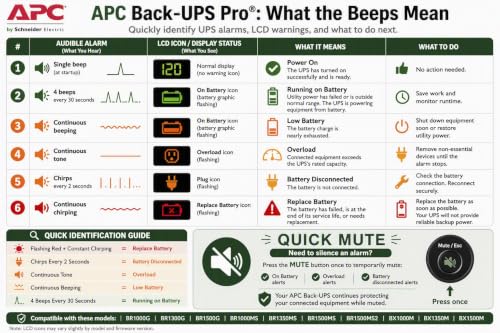
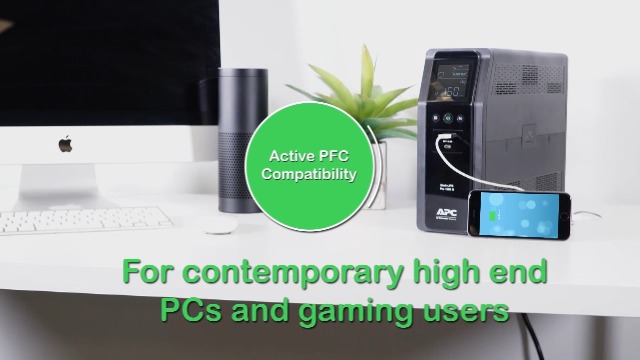
APC BR1500MS2 Pure Sine Wave UPS Battery Backup


As an Amazon Associate we earn from qualifying purchases. Product prices and availability are accurate as of the date/time indicated.

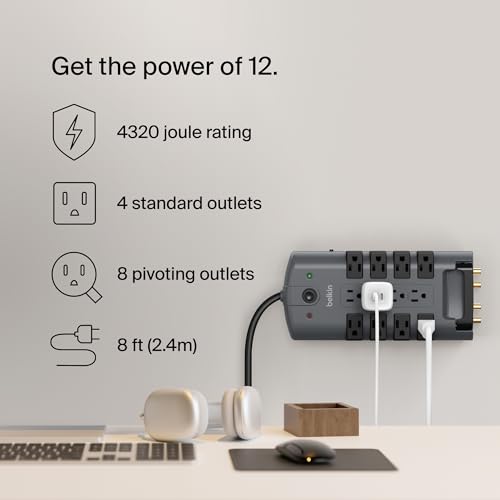
Belkin Surge Protector Power Strip w/ 8 Rotating


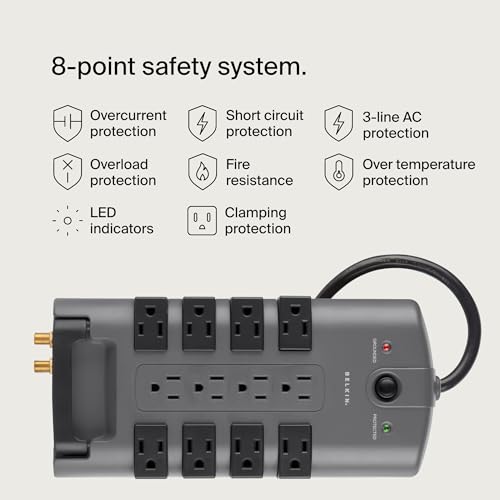
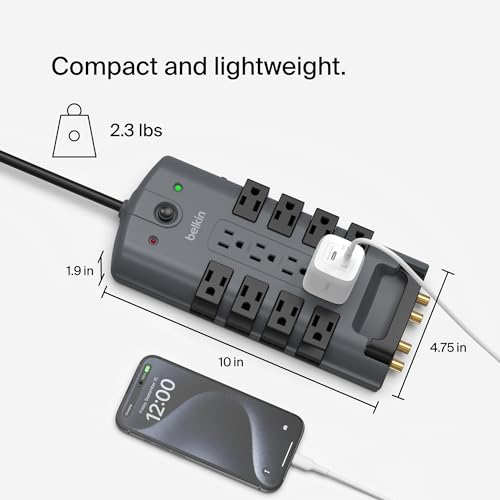
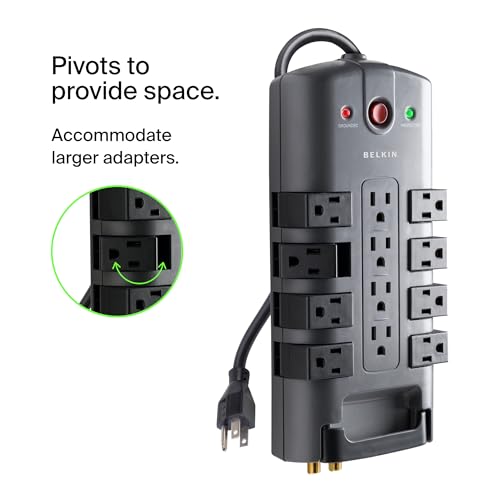
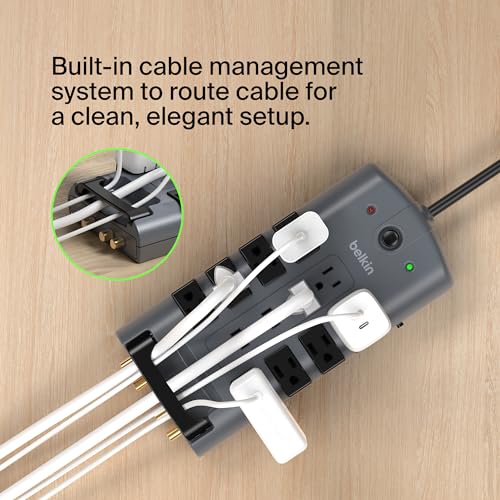

As an Amazon Associate we earn from qualifying purchases. Product prices and availability are accurate as of the date/time indicated.
Side by Side
| Spec | UPS (APC BR1500MS2) | Surge protector (Belkin 12-outlet) |
|---|---|---|
| Power when the grid fails | Yes, from a battery; 73 min at 100 W per the listing | No |
| Surge rating (listing) | 1,080 joules | 4,320 joules |
| Outlets | 10, with 6 on battery | 12 |
| Voltage correction | Automatic voltage regulation | None listed |
| Wear part | Battery, user-replaceable | Surge components |
| Warranty (listing) | 3 years | 2 years |
Outage and brownout protection
A UPS switches to battery in as little as 8 ms, per the APC listing, so a desktop PC rides through a flicker. It also corrects low and high voltage without using the battery. A surge protector does neither; it clamps spikes. Compare more units in best surge protectors for computers.
Runtime math
Suppose a desktop, monitor, and router draw 150 W total (measure yours). Scaling the APC listing figure (73 minutes at 100 W) gives 73 x 100 / 150 = about 49 minutes at best, and real runtime is usually shorter at higher loads, so use the maker’s chart. Even 5 minutes is enough to save work and shut down. For longer outages see how long a UPS lasts.
Surge energy
Joule ratings on the listings are higher for the strip (4,320) than for the UPS (1,080). Joules are a rough guide only; compare them within one maker’s line and prefer units that list a clamping voltage. A UPS still guards its protected outlets from spikes.
Where each one plugs in
Plug either one straight into a wall outlet. For a UPS, Schneider Electric (APC) says to plug it directly into the wall receptacle and recommends against plugging a surge protector, power strip, or extension cord into a Back-UPS output; read your own manual. Space heaters go in a wall outlet, not a strip or UPS (CPSC); see space heater on a surge protector.
Choose a UPS if
- You run a PC, NAS, or router that can lose data or corrupt on a sudden cut; see best UPS for NAS.
- Your area has frequent brownouts or short outages.
Choose a surge protector if
- You protect a TV, console, or chargers that restart without harm.
- You need many outlets and a long cord at low cost.
- Look elsewhere if you need more than a few minutes of runtime, because a surge protector gives none and a desktop UPS gives minutes; see power stations with UPS mode.
FAQ
Does a UPS replace a surge protector?
For the outlets on the UPS, yes. Its surge-only outlets and data-line ports add protection, but the joule rating is lower.
Can I plug a surge protector into a UPS?
Schneider Electric recommends against it for APC Back-UPS units. Check your UPS manual and use the UPS outlets directly.
Do I need a UPS for a TV?
Usually not. A surge protector is enough for most TVs.
Changelog: November 2026: first published.